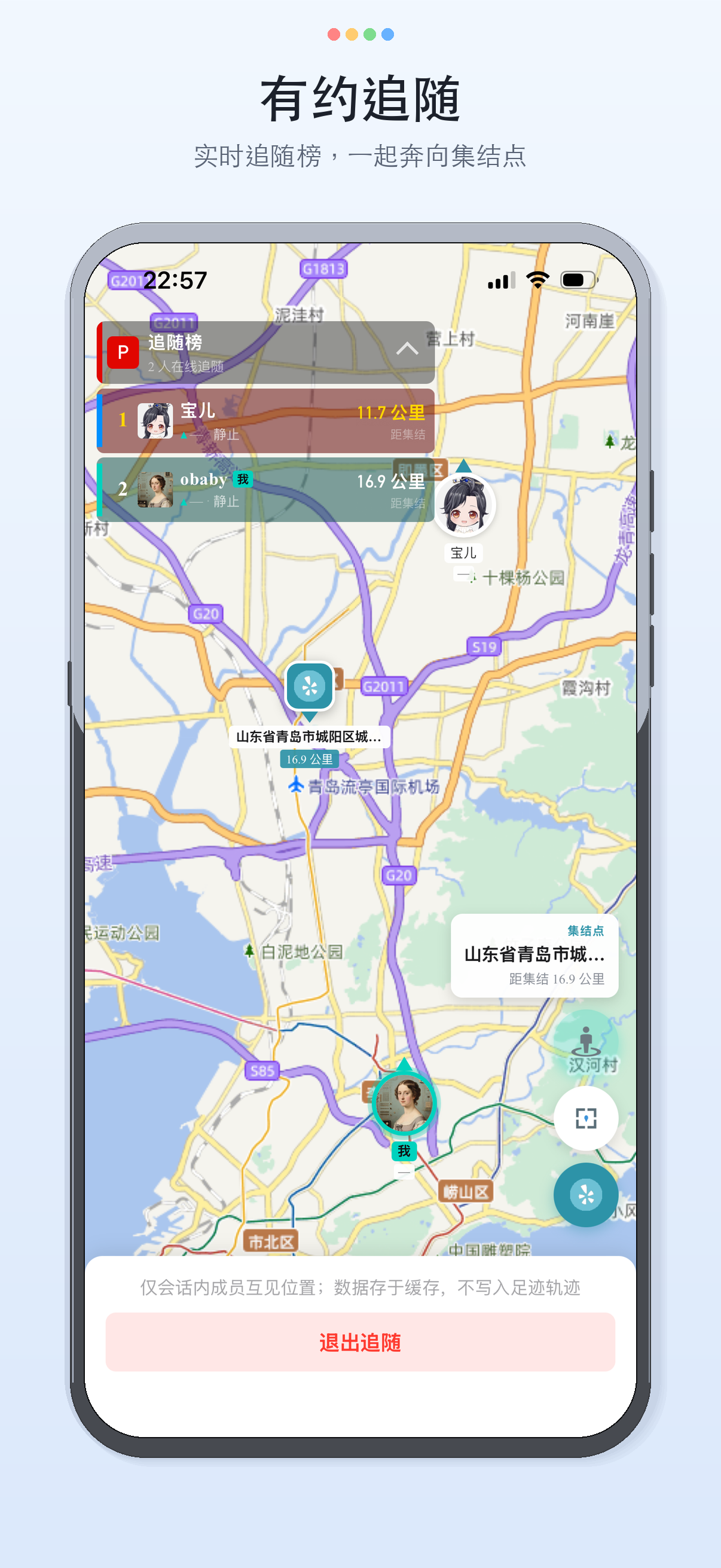
- In-app navigation: from a friend’s location or the map, choose drive, walk, or ride. Available inside China only. - Live Follow: in a meetup group, see online members’ location, heading, and speed, refreshing about every 2 seconds. - Rally point: during Live Follow, search for a place or pick a point on the map. Everyone in the session shares that point. - Fixed known issues around navigation display, Android navigation, and message push.
Findu — a simple way to find each other and stay connected
Tired of meeting friends without a clear address—or having an address in a city you don’t know? Try Findu. When both sides agree, you no longer need to keep pinging locations in other chat apps. Everything is clear on one relationship map.
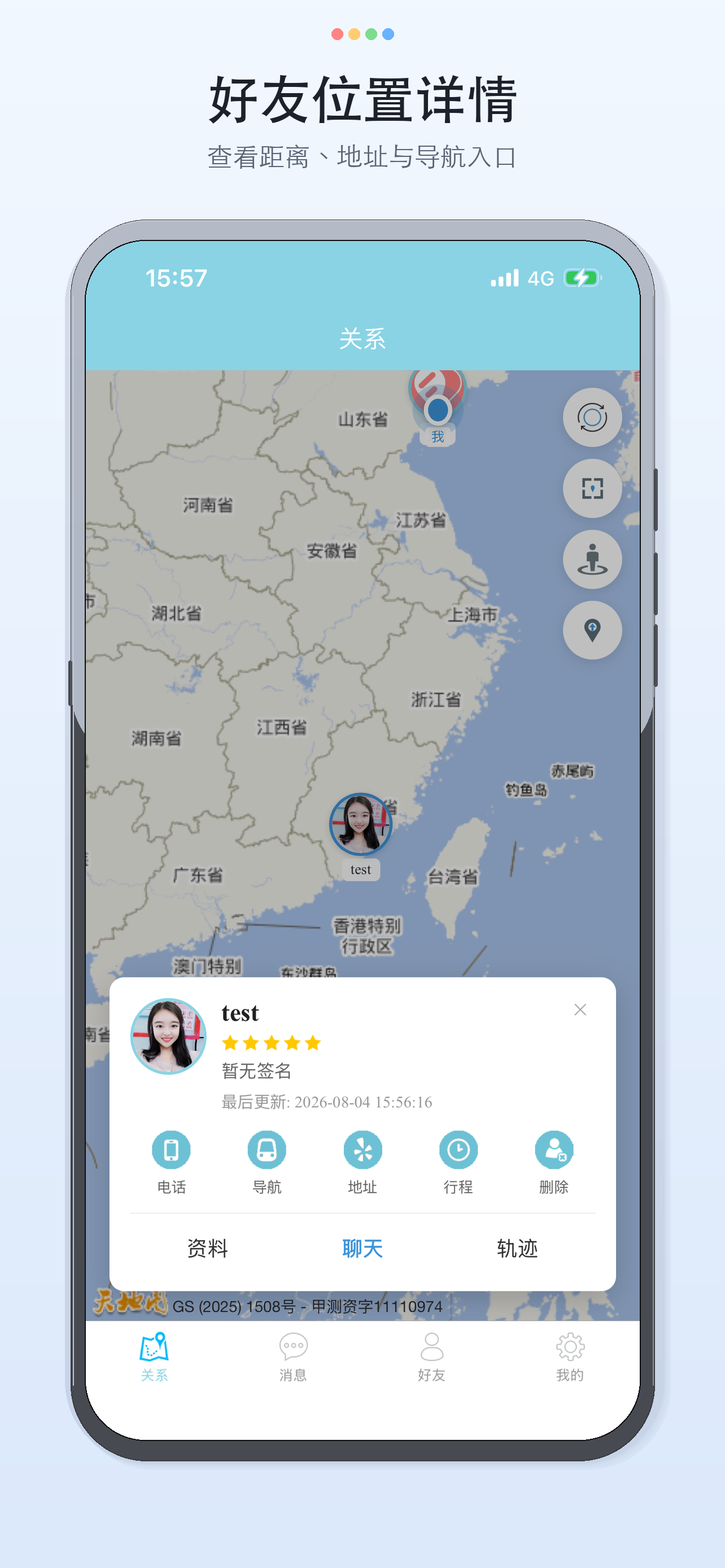
When a group is heading to the same place but everyone is a different distance away, when is the smartest time to leave? The map shows where everyone is. When you need to meet, start drive, walk, or ride navigation from a friend’s location. In-app navigation is available inside China only.
Special attention: keep an eye on people you care about; when you’re out alone, family can know where you are—only if you allow it.
We just want life to be simpler. Life was meant to be this simple.
——————
Main features
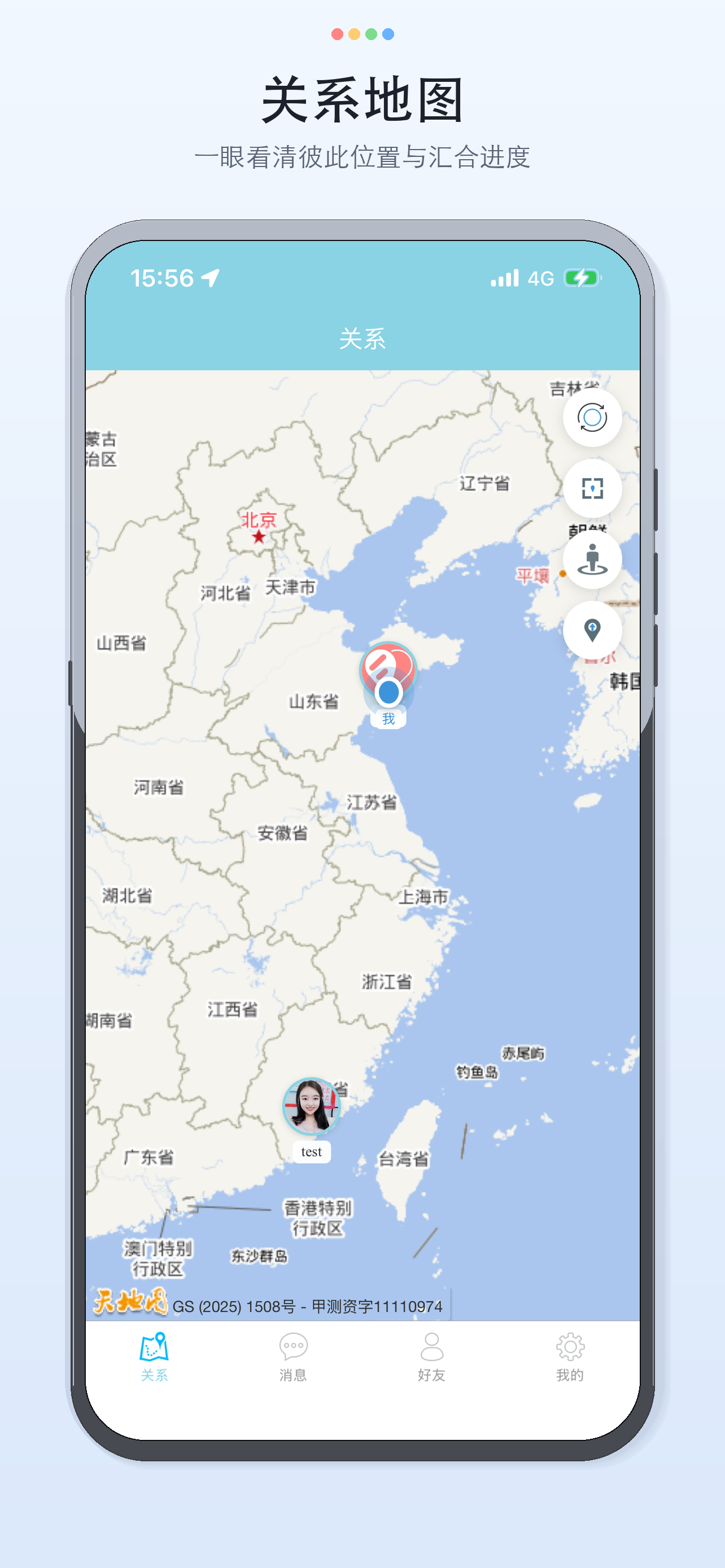
• Relationship map See yourself and friends on the map together. Refresh, fit everyone in view, and resolve addresses. Distance and progress at a glance.
• In-app navigation From a friend’s location or the map, choose drive, walk, or ride. Available inside China only.
• Live Follow & rally point In a meetup group, see online members’ location, heading, and speed, refreshing about every 2 seconds. Search for a place or pick a point on the map. Everyone in the session shares that rally point.
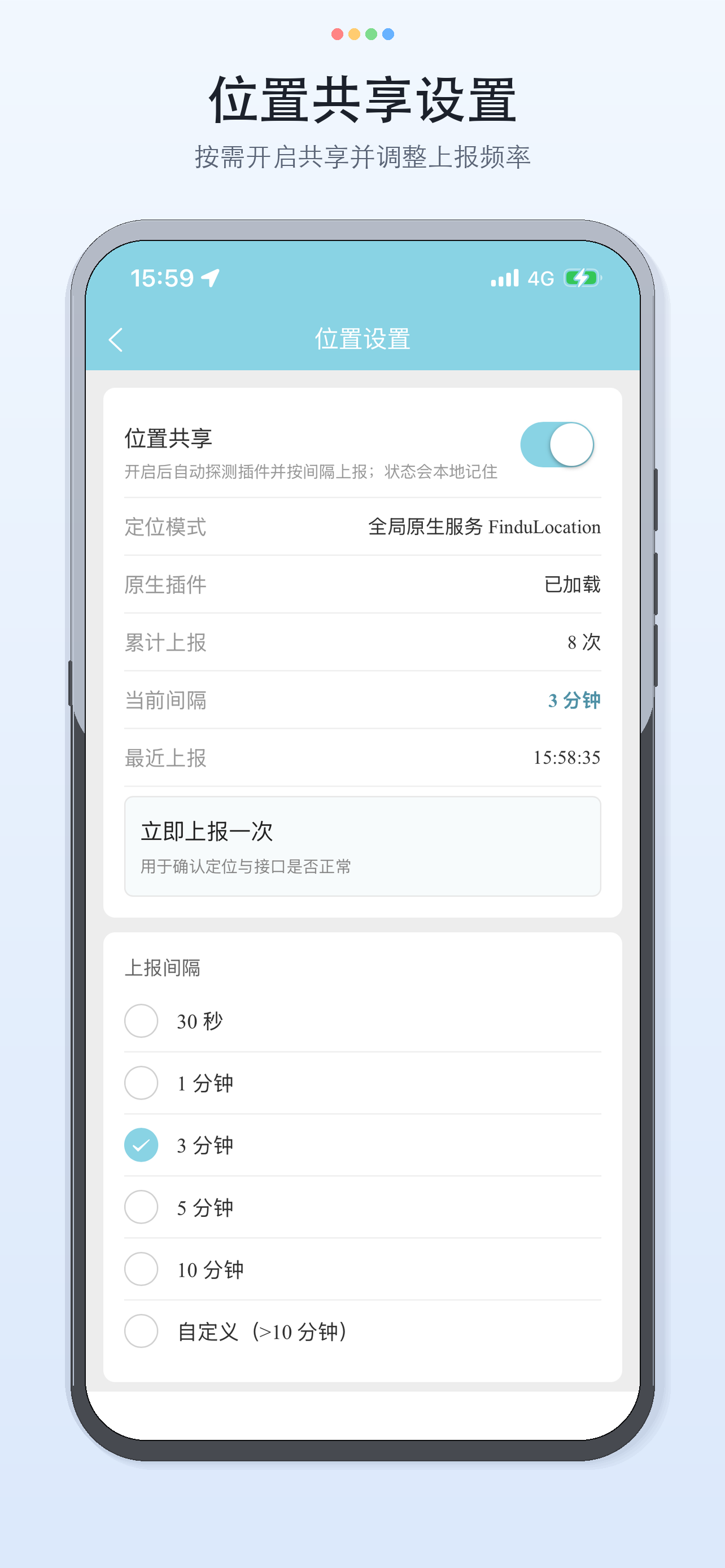
• Location sharing & trails With sharing on, your location updates on the interval you set. View your own and friends’ trails to revisit the journey. Live Follow positions are not saved to location history.
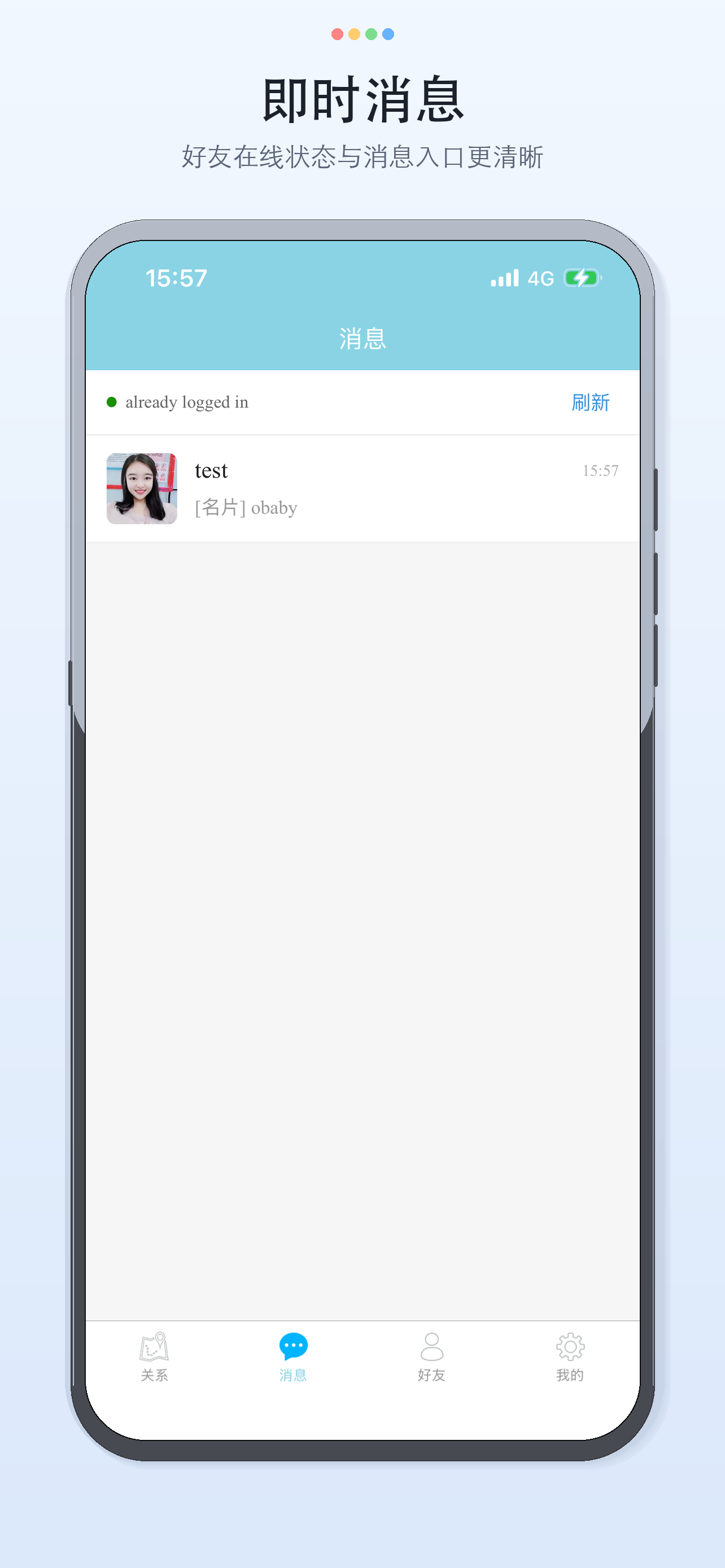
• Real-time messaging Text, voice, photos, video, location, contact cards, and files. Push alerts can reach you even when the app isn’t open.
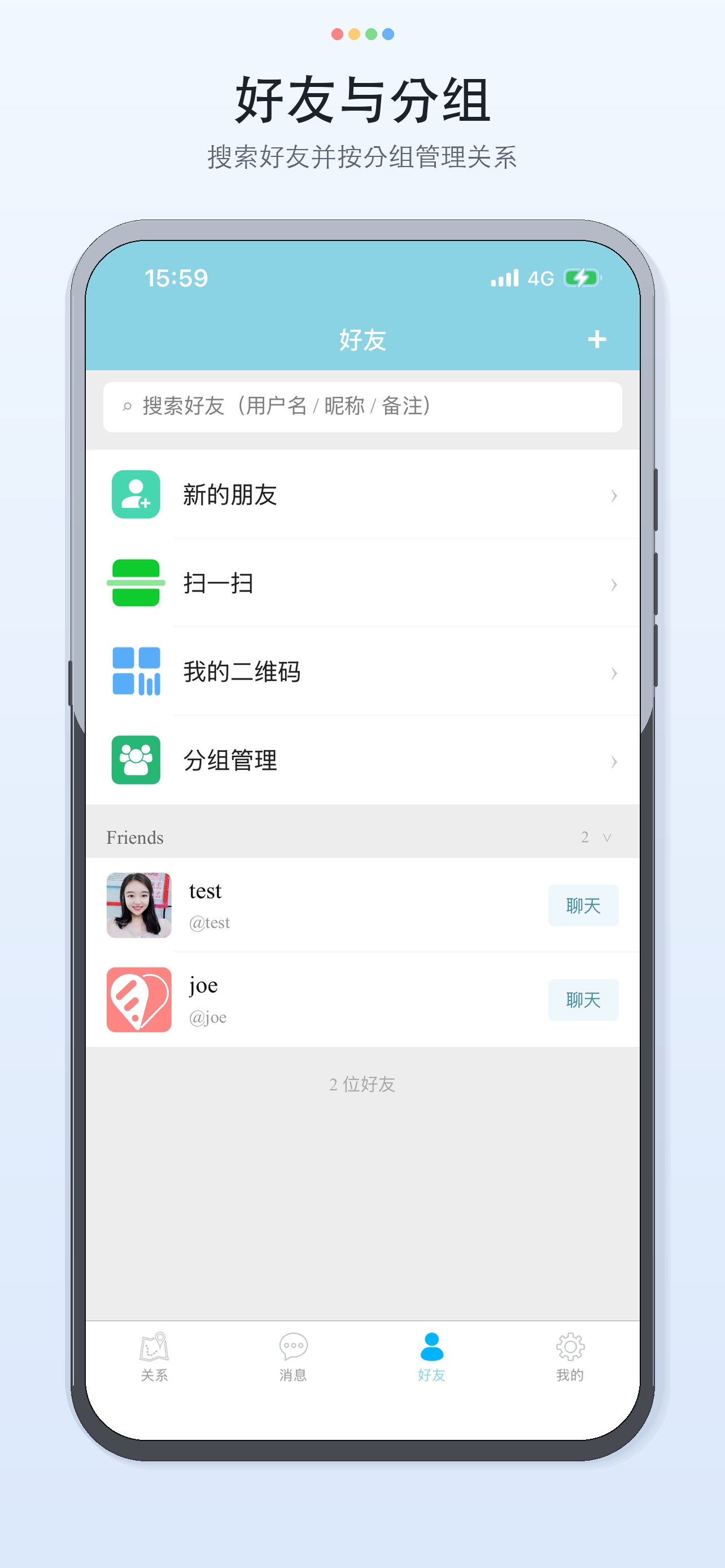
• Friends & groups Search and add friends, handle requests, set notes. Organize with groups and control who can see your location by group.
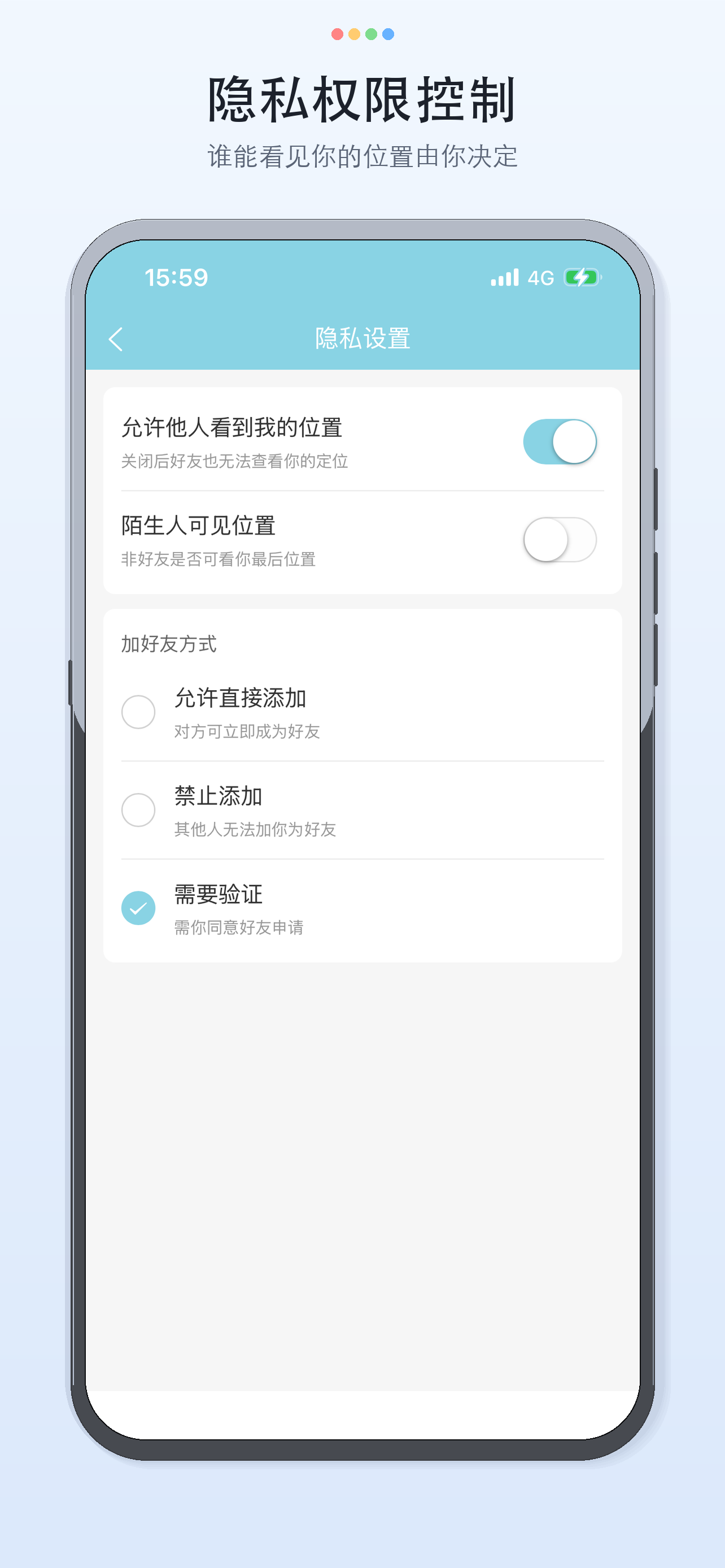
• Privacy controls Master switch, group visibility, per-friend permission, and whether strangers can see your last location. Without your consent, others can’t casually view where you are.
——————
More
• Adjustable location strategy: use faster updates so friends see your progress more promptly, or longer intervals to save battery. Configure under Me → Location settings. • Background sharing: with Always location permission and sharing enabled, Findu can keep reporting at your chosen interval while in the background. Turn sharing off anytime. • CarPlay (iPhone only): after connecting to a car, view friends, and start navigation or open Live Follow from the phone or the car. • Languages: Simplified Chinese and English.
Location sharing, friends, and the map are free core features. Some messaging capabilities may require a one-time unlock—see in-app details.
——————
Battery & GPS notice
Map refresh and friend location use GPS / location services. With sharing on and the app running in the background, Findu may use more power than typical apps and affect battery life. Extended GPS use drains the battery faster.
Depending on your settings, Findu may continue collecting location when the UI isn’t open (to share with authorized friends), which also increases battery use. Choose a suitable report interval and turn sharing off when you no longer need it.
Location may be delayed or inaccurate. Do not rely on Findu as your only safety or emergency tool.
——————
Privacy
Location is sensitive. Findu shows it only within mutual consent and the permissions you configure. You can stop reporting anytime and adjust group or per-friend visibility. We don’t show your live location to unauthorized users, and we don’t sell your personal information.